xPath Monitoring
Check Overview
What is this check?
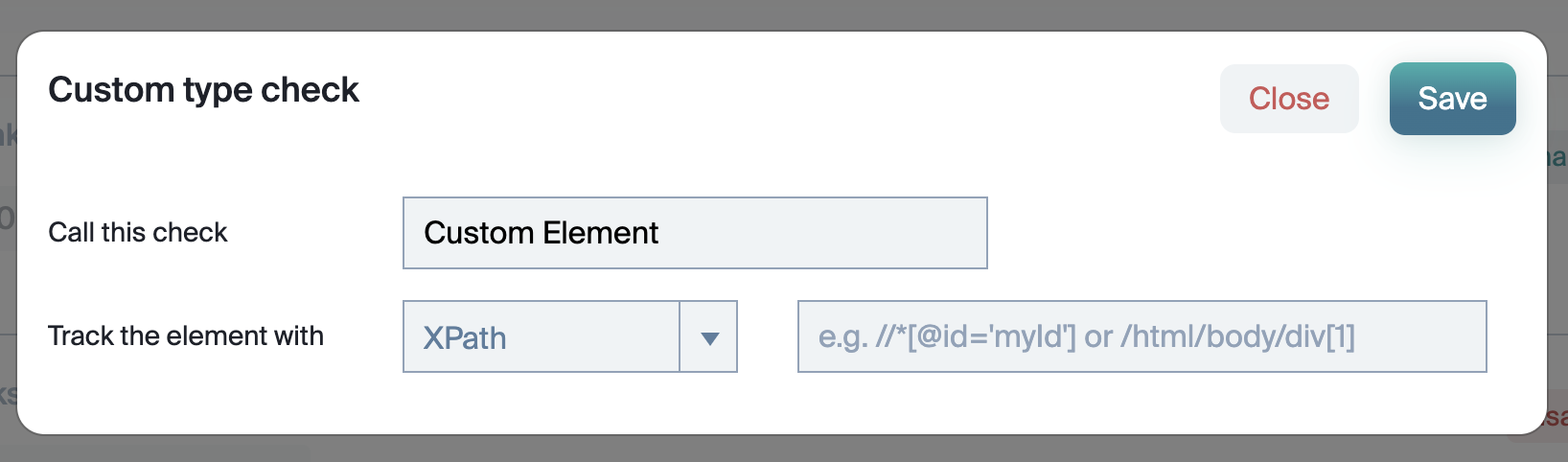
xPath is a query language which allows you select elements on a webpage. In this circumstance, people are usually looking for DIVs and monitoring what's in them.
Why is this important?
With xPath monitoring, you can easily look at changes on things like navigation links, product descriptions and instock availability.
Advanced Usage
Default Settings
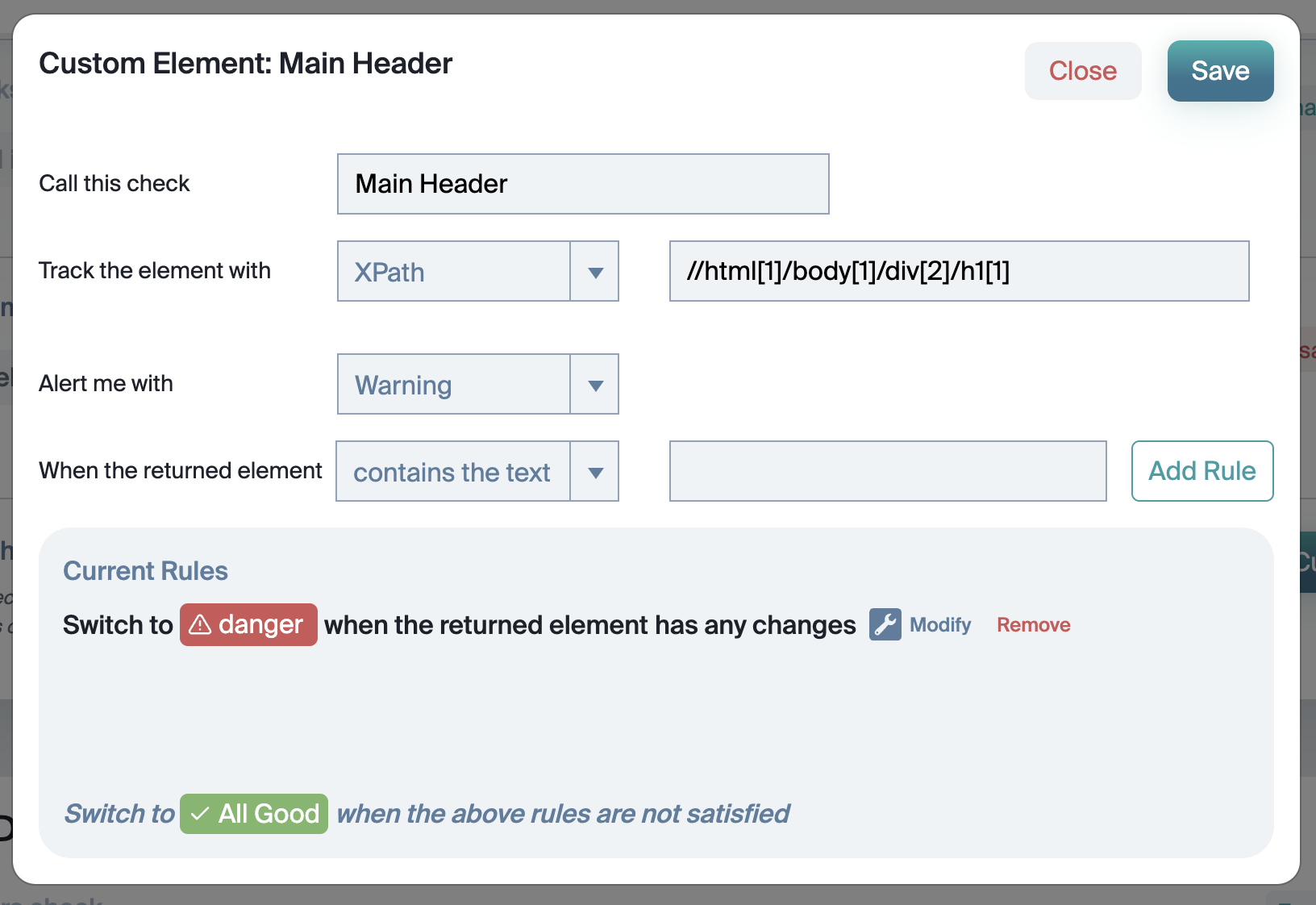
The default settings for xPath are to alert on any change. However, you can apply additional rules to the detected content.
Rules
We realise that these rules can be a little overwhelming at first.
Contains the text
Looks for the specific text in the content (such as ERROR OR STAGING).
Does not contain the text
Looks for the specific text in the not content (such as BRANDNAME OR KEYWORD).
Has any changes
Well, this may be a bit complicated but this alerts if there are... erm... any changes.
Does not match the regex
If your content has a specific structure such as " KEYWORD | BRANDNAME | COMPANY ", you can be alerted if the content no longer matches it.
Matches the regex
You can look for specific issues or error codes in the content, you can use this to look for specific ones.
contains a number above
If there is a number detected that is above a certain number.
contains a number below
If there is a number detected that is below a certain number.
contains a number changed by more than x %
If there is a number that changes by more than x (where x is a percentage).
has a character count less than
If the number of characters in the title tag falls below x, alert me.
has a character count more than
If the number of characters in the title tag goes above x, alert me.
is blank
Blank? That sounds like something has gone wrong.
But I want more!
Sure thing! Send us a message on littlewarden.com with what you want to be able to configure and we will see what we can do!